For agencies & web developers

Every client’s sites. One watchful view.

Keep website checks, incident evidence and client details together—so your next update starts with facts.


Start with the client.

Group websites by customer and keep contacts, hosting details and internal notes nearby.
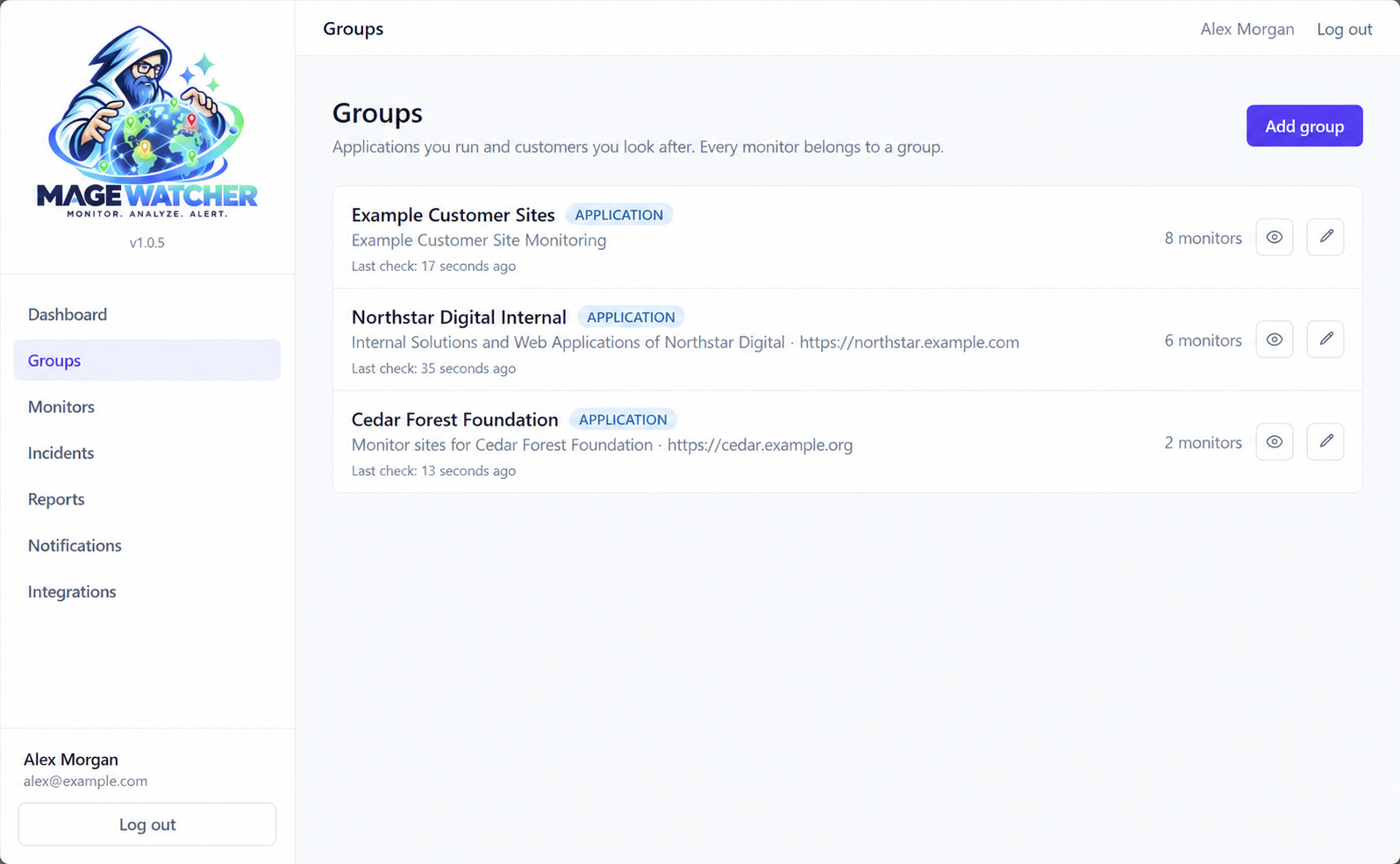
Groups list with demonstration groups, monitor counts and last check times
Groups with demonstration data.

Know what happened before you write the update.

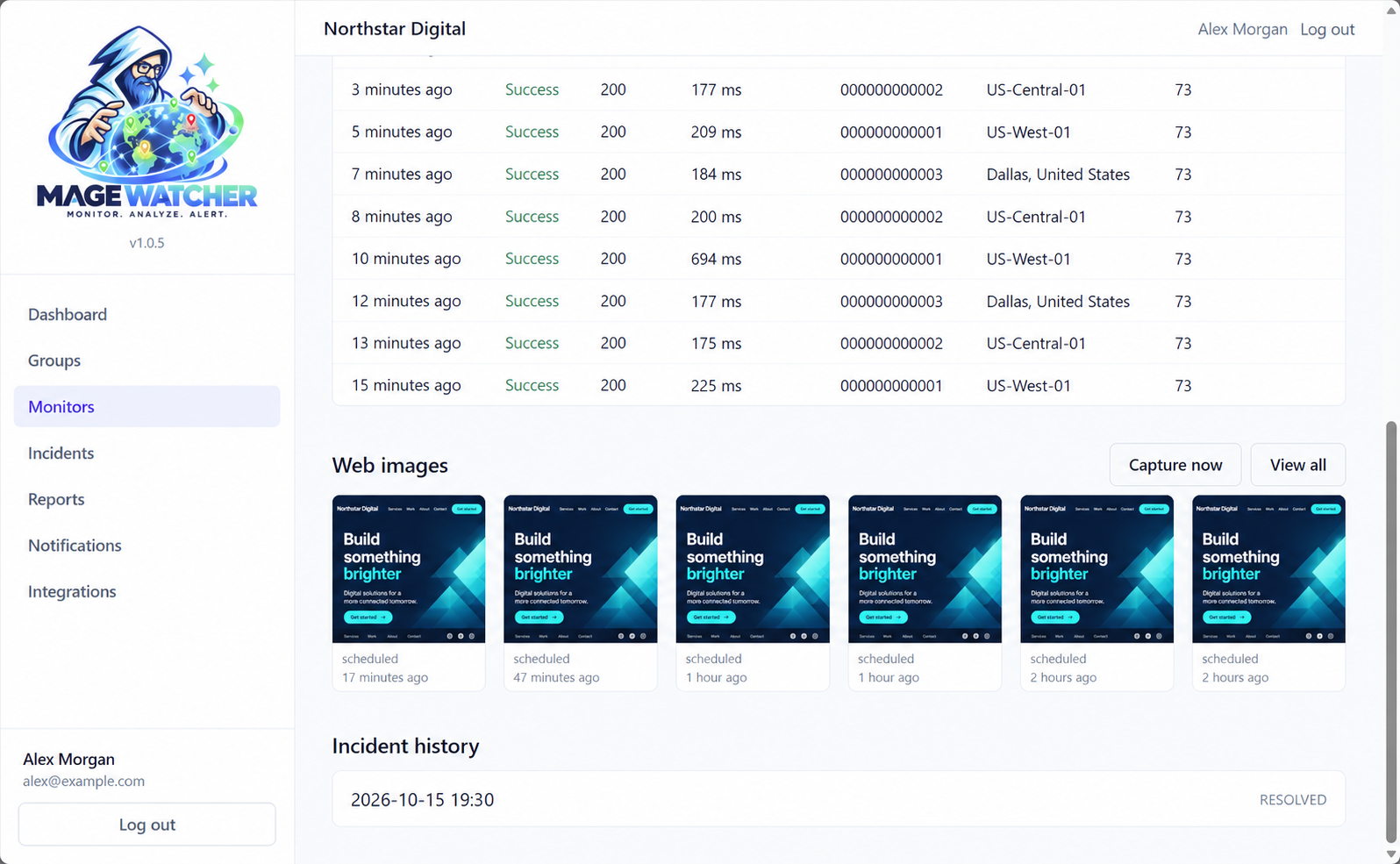
Use confirmed incidents, timelines and eligible Web Images to understand what was seen and when.

Web Images requires an eligible plan or Image Capture add-on and a capture-enabled region.
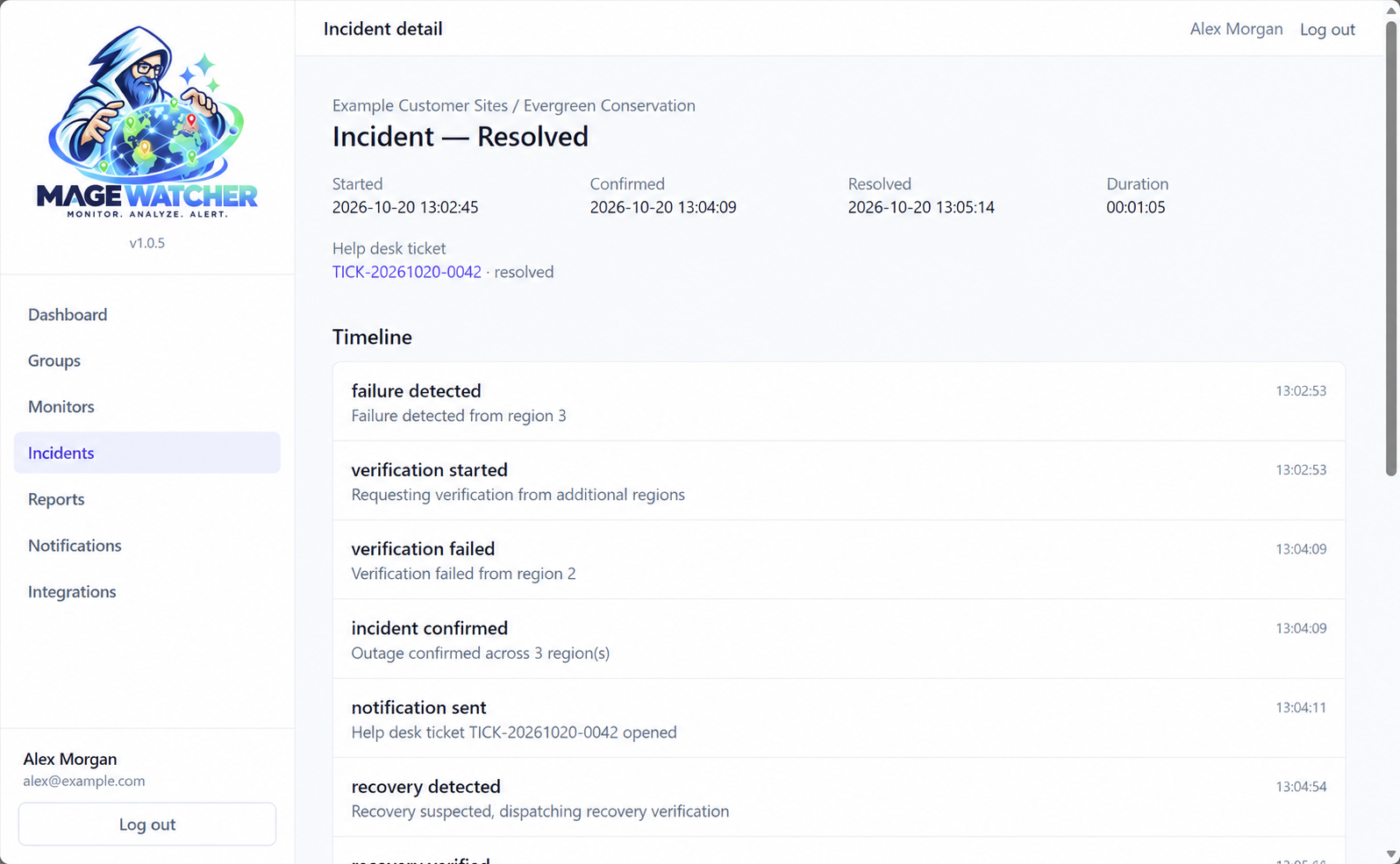
A confirmed incident from first failure to recovery
A confirmed incident with demonstration data.
Website screenshots captured around a demonstration incident
Web Images captured around the incident.

Make uptime part of your monthly conversation.

Use monthly uptime figures and emailed PDF reports to support clearer client updates.
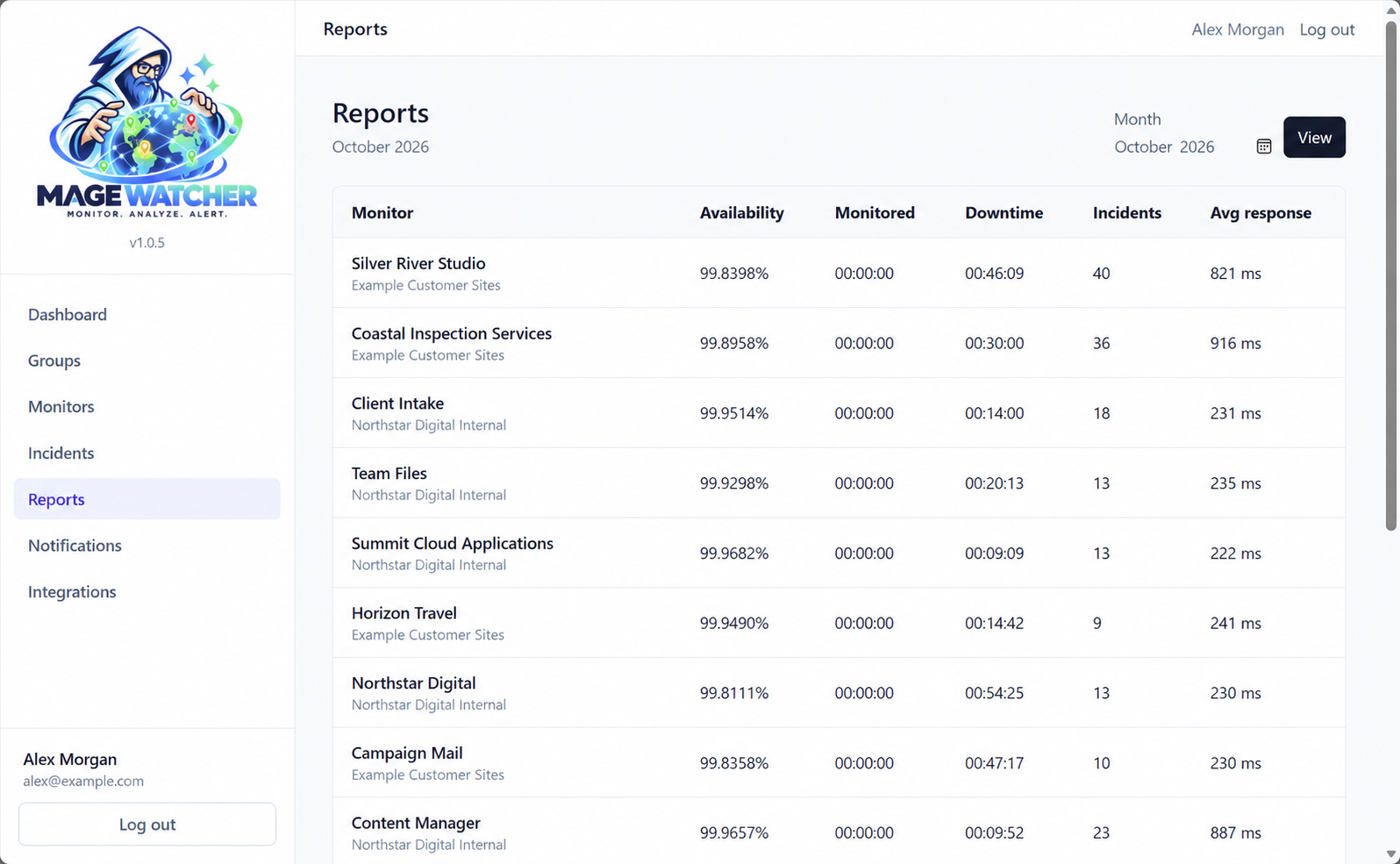
Monthly report table with availability, downtime, incidents and average response by monitor, using demonstration figures
Monthly report with demonstration figures.

A clearer status update for your clients.

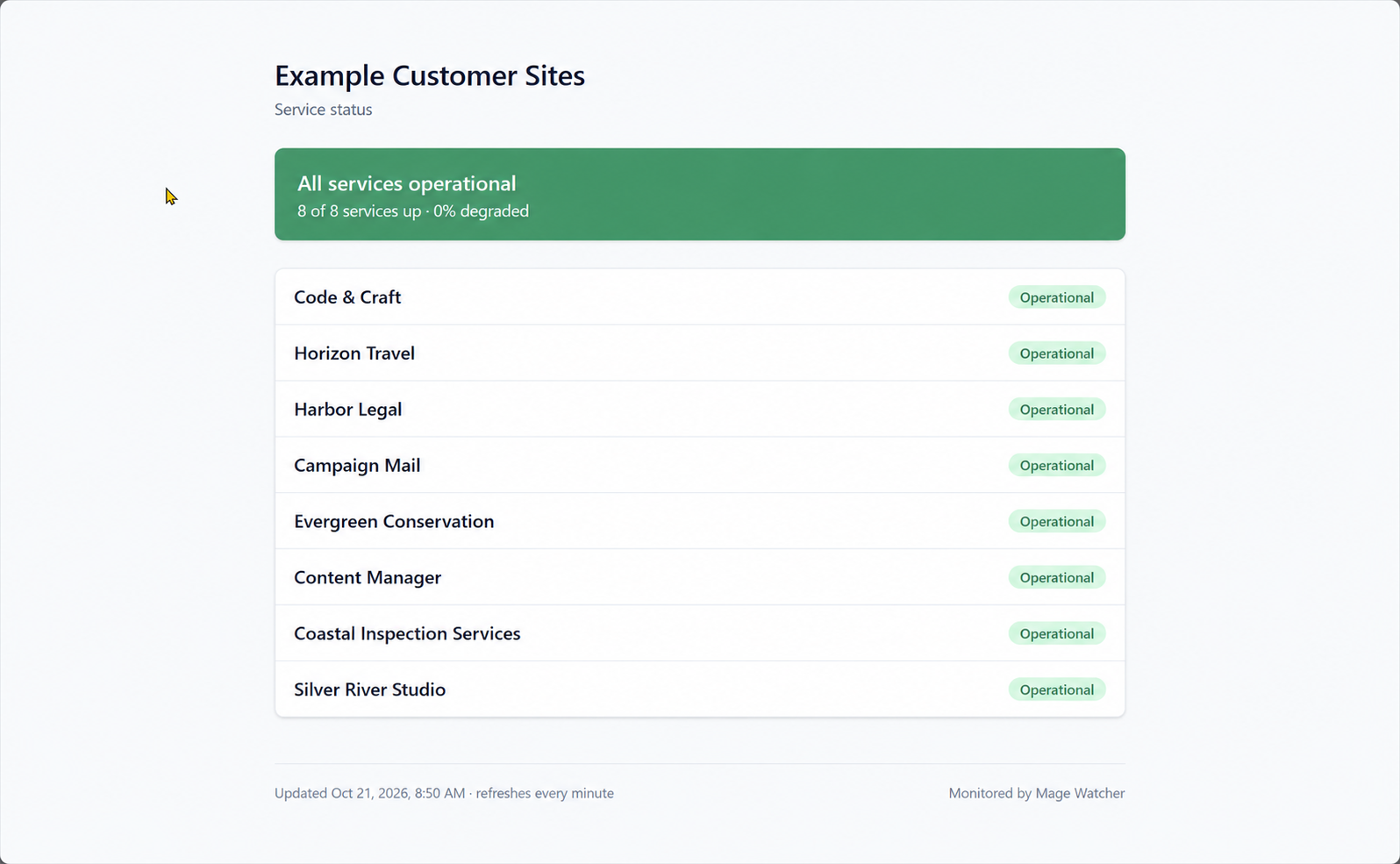
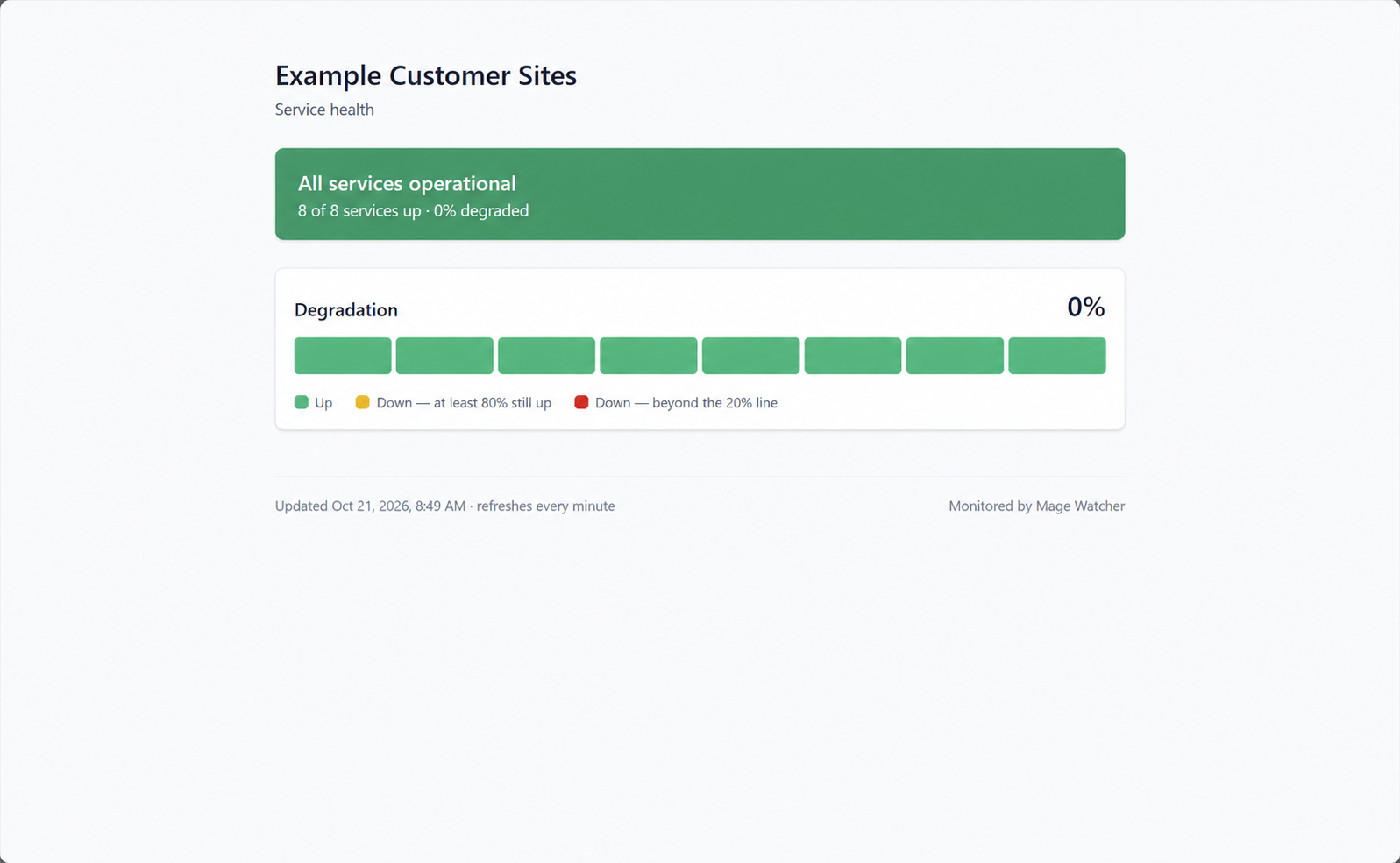
Publish a public status page for any group. Choose a detailed page that lists each monitor by name, or an anonymous page that shows overall health without names or URLs. Add an optional password, and the page refreshes every minute.

Choose your plan
Detailed public status page listing each demonstration service as operational
Detailed: each monitor by name with its status. No URLs or internal details.
Anonymous status page showing a row of green blocks and 0% degradation, without site names
Anonymous: one block per monitor showing overall health. No names or URLs.

Keep your clients’ websites in view.

Choose a plan through Press Mage and start watching the sites you look after.

Your workspace is provisioned through Press Mage. Billing is managed in the Press Mage portal.

Provisioned through Press Mage. Created and operated by CSP Geeks LLC.