
From a website check to a useful alert.
A simple workflow, with verification built in.
-
1. Create your workspace through Press Mage.
Choose a plan in the Press Mage portal; your workspace is provisioned automatically.
-
2. Add a group and a website.
Organize by client or application, then configure the interval and optional keyword check.
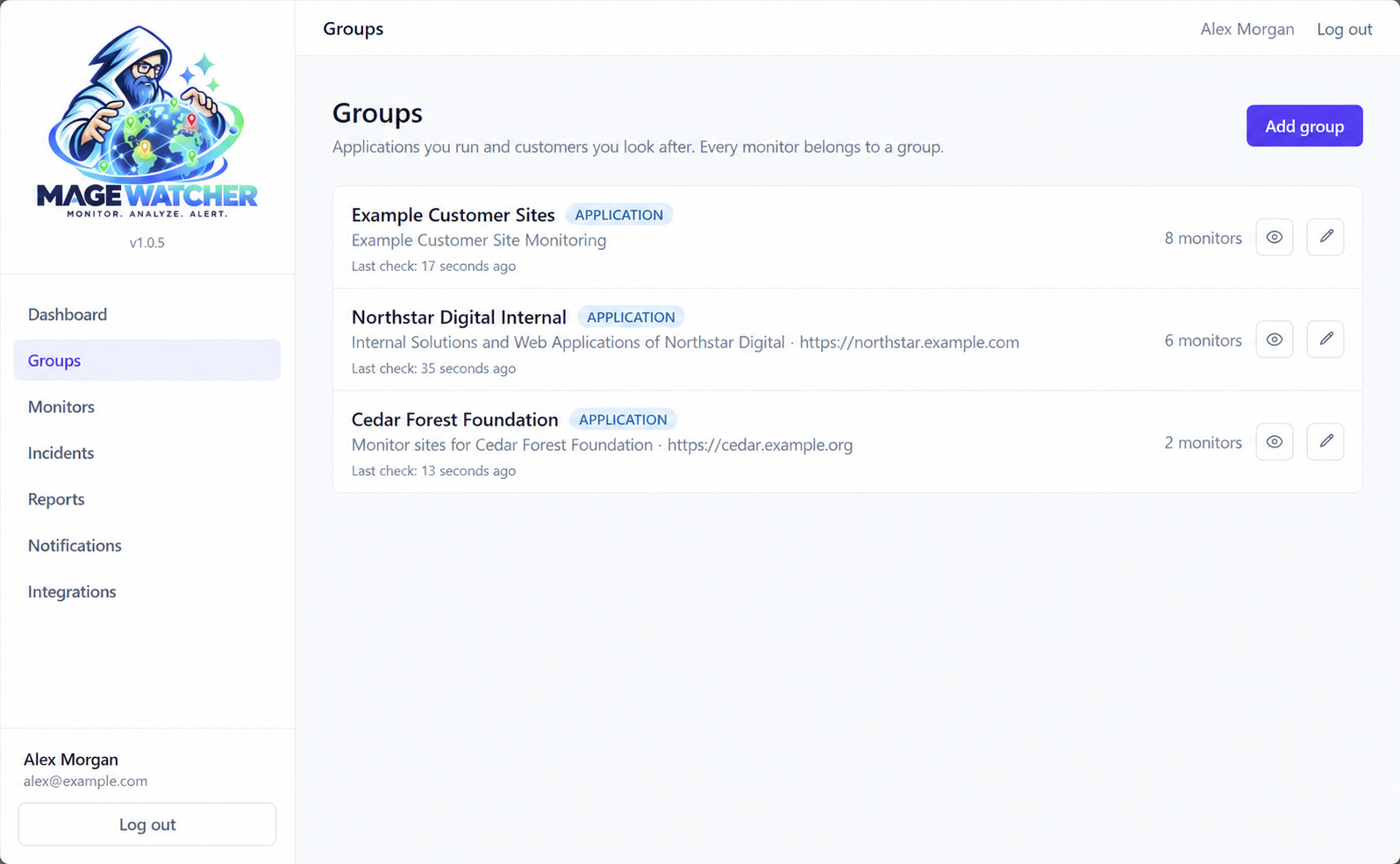
Groups with demonstration data. -
3. Let regions verify a failure.
Mage Watcher asks other monitoring regions to verify a failure before it opens a confirmed incident and sends an outage email.
-
Step 01
A region spots a problem.
A failed website check starts investigation.
-
Step 02
Other regions check too.
At least two separate regions must agree before an outage is confirmed.
-
Step 03
You get a clearer signal.
Confirmed incidents trigger your configured email rules. Recovery is verified too.
If another region finds the site up, the failure is recorded as a false alarm without an outage email. Checks currently run from US regions: West, Central and Dallas. Available regions depend on your plan.
-
-
4. Receive the configured email.
Rules determine recipients, delays, recovery notices and reminders.
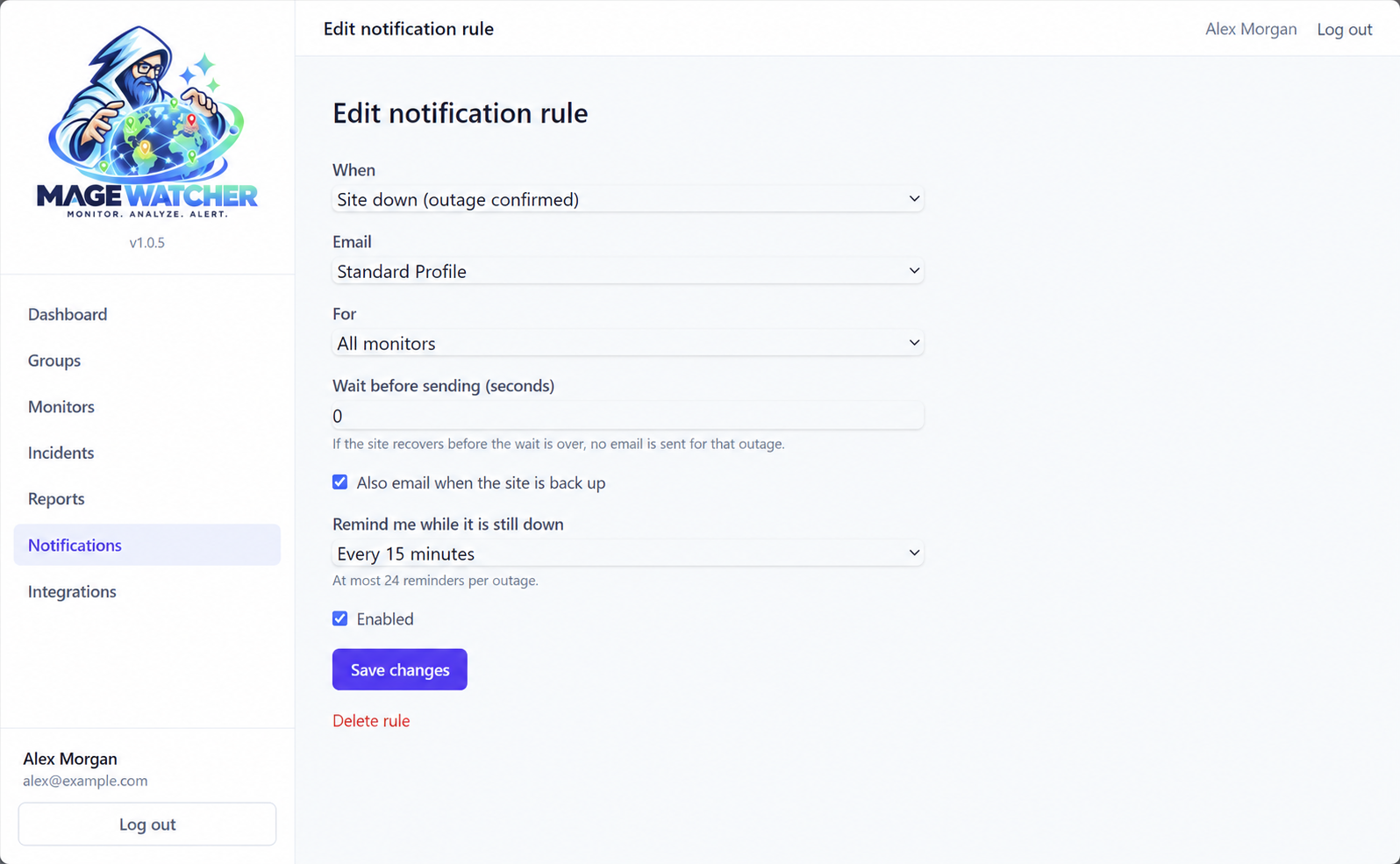
Email rules for a demonstration group. Recipients are fictional. -
5. Review the record.
Inspect the incident timeline and monthly reporting; eligible Web Images add visual evidence.
Web Images requires an eligible plan or Image Capture add-on and a capture-enabled region.
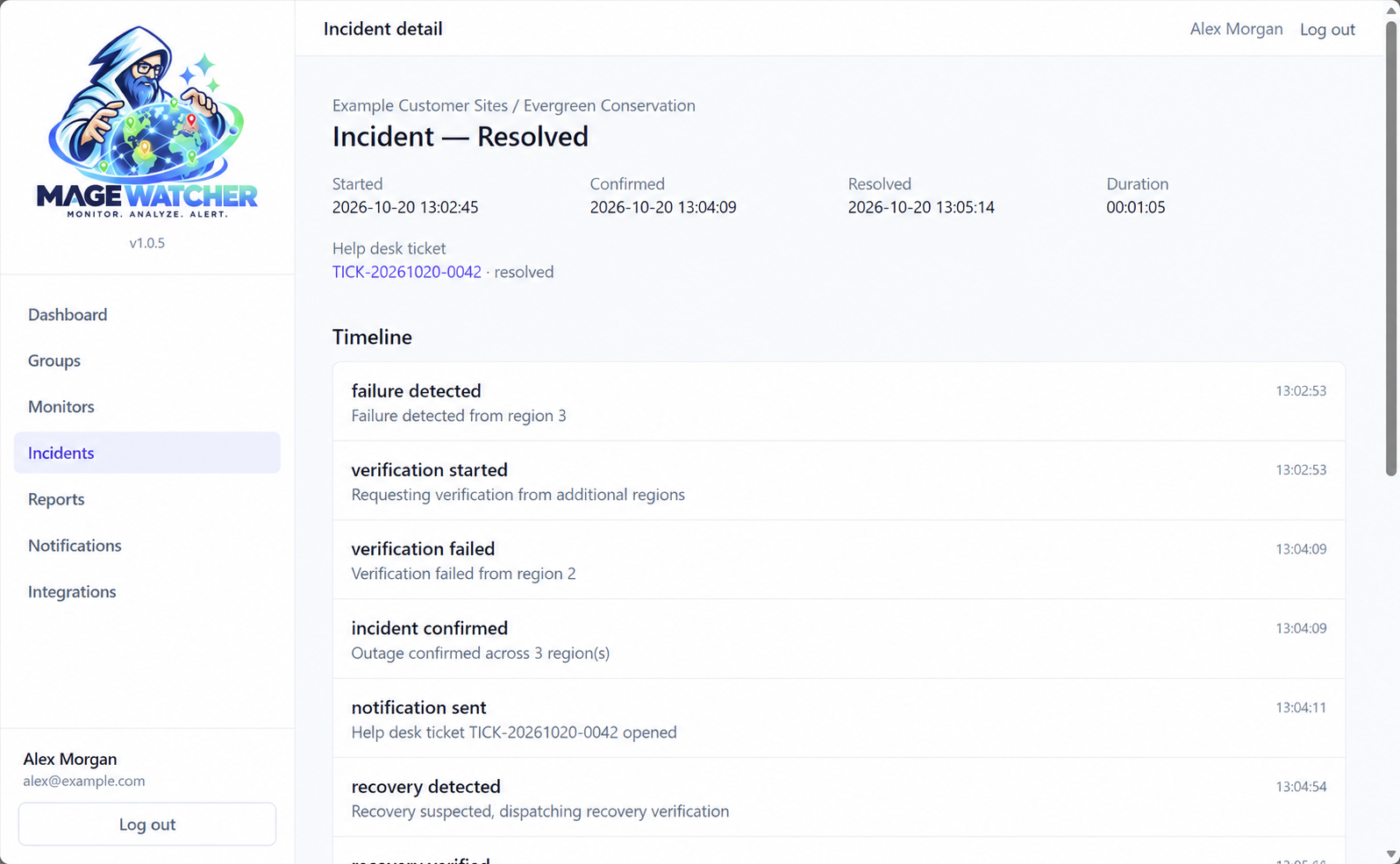
A confirmed incident with demonstration data.
Put a clearer signal between you and your next outage.
Choose a plan through Press Mage and start watching the sites you look after.
Your workspace is provisioned through Press Mage. Billing is managed in the Press Mage portal.
Provisioned through Press Mage. Created and operated by CSP Geeks LLC.